 how-to
Legal Requirements for Residential CCTV Privacy in the UK
Last Updated: November 9, 2026
Quick Summary
Residential CCTV privacy in the UK is largely governed by the domestic purposes exemption, which covers cameras used only for your own household security. Once a camera captures neighbours, shared spaces or public areas, UK GDPR and Data Protection Act 2018 rules apply, including signage, careful positioning and limited retention.
- Point cameras at your own land, such as the front door, drive and garden entry points.
- Put a visible notice up where cameras capture beyond your boundary, before installation.
- A compliant sign shows that CCTV is in use, who is responsible, a contact route and the purpose.
- Enable automatic overwrite so footage is kept only for a justified period, such as a few weeks.
- Use privacy masking zones to blank out neighbours' windows and gardens near your boundary.
Table of Contents
- How the Legal Framework Applies to Domestic CCTV
- Where Your Camera Can and Cannot Point
- Signage and Notification: When a Sign Is Required
- How Long You Can Keep Home CCTV Footage
- Practical Privacy Settings: Masking Zones and Smart Doorbells Compared
- Handling a Neighbour Complaint and Sharing Footage Safely
- Setting Up Your System So It Stays Compliant
- Frequently Asked Questions
Thinking about installing a CCTV camera at home? Knox Power & Data has installed security systems across West Yorkshire for homeowners and businesses, and the first question we hear is almost always the same: can I legally point it at that? In the UK, residential CCTV is lawful, but the rules on privacy, signage and footage handling are real, and getting them wrong can lead to a neighbour complaint or an enforcement notice from the Information Commissioner's Office (ICO).
The short version is this. Recording your own property is generally fine. For guidance on the best places to install cameras around your home for maximum security and coverage, see where to position cameras around your home. Recording your neighbours, the street or private spaces you have no right to watch is where people get into trouble. This guide walks through the rules in plain English so you can set up a system that protects your home without creating problems next door.
How the Legal Framework Applies to Domestic CCTV
UK data protection law sits under the UK GDPR and the Data Protection Act 2018 (Data Protection Act 2018). These rules govern any system that records images of identifiable people, including home cameras.
There is an important exemption. The domestic purposes exemption means that if you use a camera only for your own personal, household activity, the full data protection rules often do not apply. Protecting your home and family is a clear example of that.
The exemption has limits. Once your camera captures areas beyond your property, such as a neighbour's garden or the public pavement, you may move outside it. The ICO's guidance on domestic CCTV explains where that line sits, and it is worth reading before you install anything.
Where Your Camera Can and Cannot Point
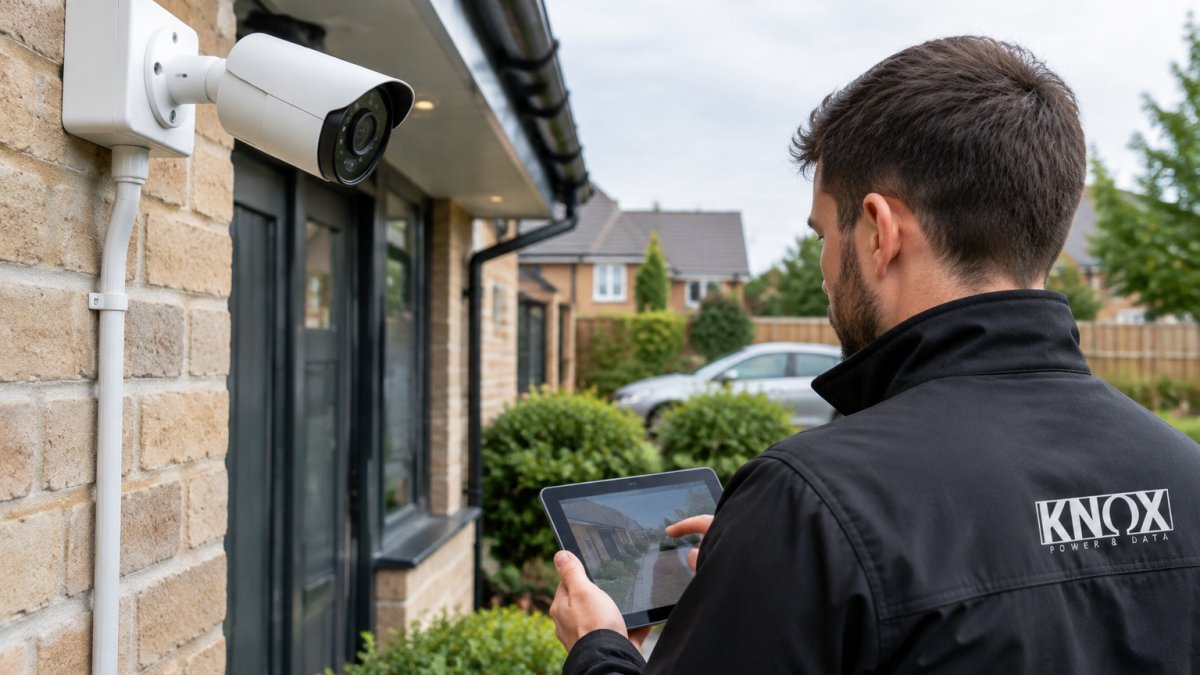
Position matters more than almost anything else when it comes to residential CCTV privacy. Aim your camera at your own land: the front door, driveway, garden and entry points. Avoid angling it so it captures:
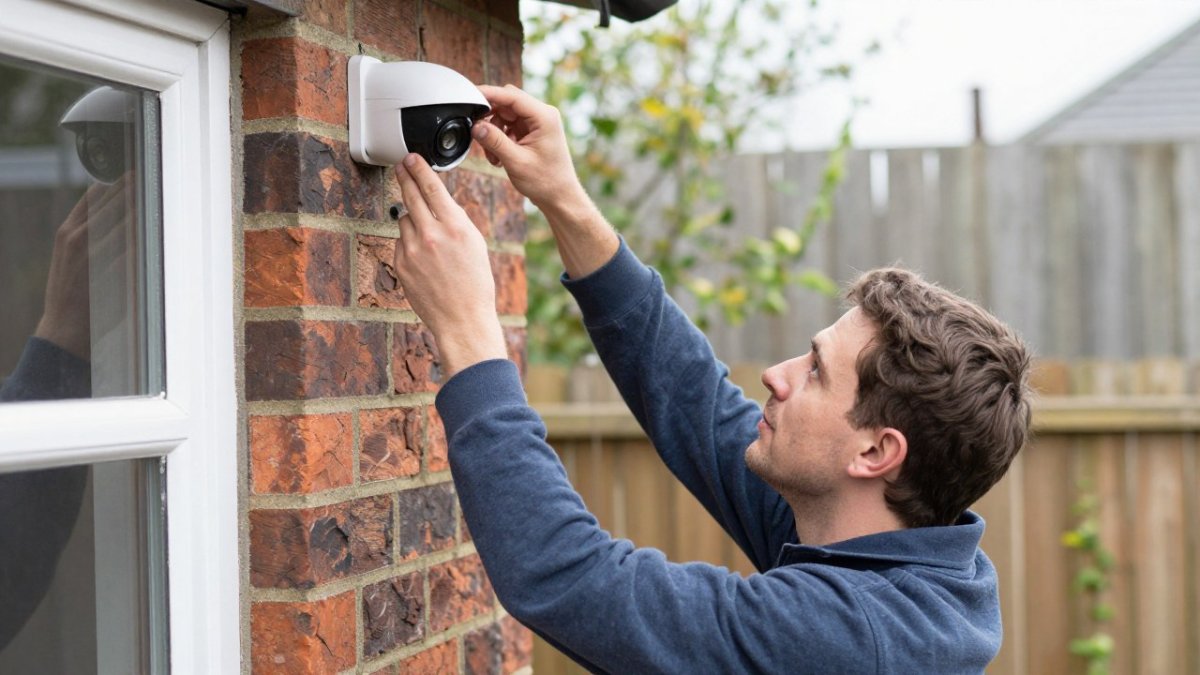
- Your neighbour's windows, garden or patio
- Public footpaths and roads beyond your boundary
- Private areas where people reasonably expect privacy
A useful test is simple. Would a reasonable person expect to be filmed in that spot? If not, move the camera or change the angle.
Recording Neighbours' Property and Shared Spaces
Shared driveways, communal hallways and side passages are a common grey area. Where a space is shared, record only what you need for your own security, and keep the field of view tight.
Many neighbour disputes start here. A camera that catches a neighbour's back door every time they walk past will draw a complaint, even if you never meant to intrude. Adjust the angle early rather than waiting for a dispute.
Audio Recording Considerations
Audio is a separate issue and deserves caution. Recording conversations you are not part of can raise privacy concerns, even on your own property. Many homeowners switch audio off entirely unless there is a clear security need. If you do keep audio, be transparent about it and avoid capturing private conversations beyond your boundary.
Signage and Notification: When a Sign Is Required
Signage is where the domestic purposes exemption most often stops protecting a homeowner, so it is worth getting right before the camera goes up rather than after a complaint lands.
The starting point is the exemption itself. Under the UK GDPR and the Data Protection Act 2018, a camera used purely for personal and household activity, watching your own garden, drive or front door, generally falls outside the full data protection regime. In that narrow case, a sign is not strictly mandated. But the moment your camera captures a neighbour's garden, a shared path, a communal hallway or the public pavement, you are likely processing personal data beyond the household exemption, and the transparency principle applies. That principle expects people to be told, clearly and in advance, that they are being recorded.
The ICO's domestic CCTV guidance is explicit that where a system captures images beyond the boundary of the property, householders should let people know they are being recorded. In practice that means a visible, legible notice at or near the entrance to the area covered.
A compliant notice is short but should carry four things:
- A clear statement that CCTV is in operation, ideally with a camera icon so it reads at a glance
- The identity of the person responsible, for a household, the occupier's name or 'the homeowner' is usually enough
- A contact route for questions or requests, such as an email address or phone number
- The purpose, for example 'for the security of this property'
Keep the wording plain and the sign at eye level on the approach, not hidden behind a hedge or above head height where it cannot be read. If your camera covers a shared driveway or a communal entry, put the notice where every user of that space will pass it, not only where visitors to your door will see it.
Watch out: A camera aimed at a shared path with no notice can prompt an ICO complaint, even where the footage has never been shared with anyone. Put the sign up at installation, not after a neighbour asks.
If you later change the camera's field of view, for example after adding a second unit, review the signage at the same time. A notice that described the old coverage can be as misleading as no notice at all.
How Long You Can Keep Home CCTV Footage
The storage limitation principle in the UK GDPR requires that personal data is kept no longer than necessary for the purpose it was collected. For a home CCTV system, that purpose is almost always deterrence and the investigation of a specific incident, not building an archive. A rolling retention window of a few weeks is often enough to catch and review an incident, and anything beyond that needs a reason.
The practical way to stay compliant is to stop treating retention as a setting you choose once and forget. Work through it as a short schedule:
- Set a default overwrite period. Configure the recorder to overwrite the oldest footage automatically, choosing a period you can justify for the cameras you have installed. The exact figure matters less than being able to justify it.
- Turn on automatic deletion, not manual. Relying on yourself to clear the drive is the most common failure point. Most recorders and smart doorbells have a cyclic recording or auto-overwrite option; enable it at install.
- Export only what an incident needs. If something happens, save the relevant clip to a separate, access-controlled location, note why it was kept, and delete it once the matter, an insurance claim, a police reference, a neighbour dispute, is resolved.
- Review after any change. Adding a camera, moving a lens or changing the retention period is the moment to re-check that the setting still matches the purpose.
Watch out: Keeping months of footage 'just in case' cuts against data minimisation and increases your exposure if the recorder is stolen, hacked or handed over during a sale of the property. A long archive is a liability, not a safety net.
Where footage is passed to the police, keep a record of what was shared, when, and under what reference. That record is what demonstrates you handled the data lawfully if a question is ever raised later.
Practical Privacy Settings: Masking Zones and Smart Doorbells Compared
Most modern systems let you set privacy masking zones. These blank out parts of the image, such as a neighbour's window, so the camera records only your land. Use masking zones whenever a boundary is close to a sensitive area.
Smart doorbells are a different option. They cover the front door and approach, which suits many households. A doorbell may be enough for a small front garden, while a multi-camera setup suits larger properties with several entry points.
| Option | Best for | Privacy controls | Coverage |
|---|---|---|---|
| Smart doorbell | Front door checks | Limited masking | Narrow, front only |
| Single camera | One entry point | Masking zones | Targeted |
| Multi-camera system | Whole property | Full masking and settings | Wide |
Handling a Neighbour Complaint and Sharing Footage Safely
If a neighbour complains, stay calm and listen first. Explain what the camera covers, show them the angle if they are comfortable with that, and offer to adjust the position or add masking. Most disputes end here.
A short written reply helps when things escalate. Keep it factual: state what the camera records, confirm you have adjusted it, and invite them to raise further concerns. Avoid sharing footage with third parties casually. Posting clips online or sending them to others can breach data protection rules, even when you think you are helping.
Setting Up Your System So It Stays Compliant
Plan the installation before the first bracket goes up. Walk your boundary, note any sensitive neighbour areas, and choose angles that keep the view on your land. Set masking zones, switch off audio if you do not need it, and configure automatic deletion.
A professional survey can save time and avoid costly repositioning. At Knox Power & Data, we install CCTV systems across West Yorkshire and can discuss privacy masking and retention settings as part of the installation. To see what a compliant setup would involve for your property, get a quote from us.
Getting your home security right should feel straightforward, not like a legal puzzle. Knox Power & Data is a NAPIT-registered team that designs and installs CCTV systems with privacy built in from the start. Get a quote today and we will help you set up a camera system that protects your home and keeps your neighbours on side.
Frequently Asked Questions
What are the legal requirements for residential CCTV in the UK?
Most home CCTV systems fall under the domestic purposes exemption in UK GDPR, provided cameras only record your own property and its immediate surroundings. Once footage captures public areas or neighbours' property in a way that goes beyond personal use, the rules of UK GDPR and the Data Protection Act 2018 can apply. The Information Commissioner's Office (ICO) publishes guidance on domestic CCTV, and it is worth checking it before you install a system, particularly if you plan to use audio or wide-angle cameras that cover shared areas.
Can my home CCTV camera record my neighbour’s property?
Pointing a camera so it regularly captures a neighbour's windows, garden or private space is the most common source of complaints and can take the system outside the domestic exemption. Position cameras to focus on your own boundary, use privacy masking to block out neighbouring areas, and avoid recording audio from their side of the fence. If a neighbour objects, adjusting the angle is usually the quickest way to resolve the issue before it escalates.
Do I need to put up a CCTV sign at my home?
A sign is not always legally required for a camera that only covers your own property, but displaying one is good practice and strengthens your position if someone raises a concern. If your system records any public space or anyone outside your household, a clear notice showing you are operating CCTV and who to contact is strongly advisable. Keep the wording simple and place it where people will see it before they enter the recorded area.
How long can I keep CCTV footage from my home?
UK GDPR's storage limitation principle means footage should not be kept longer than necessary for its purpose. Many homeowners keep footage for a few weeks, which is often enough to report an incident to the police or an insurer. Set your recorder to overwrite automatically rather than keeping everything indefinitely, and delete footage sooner if it no longer serves a purpose. Keep a note of why you retained any clip you have saved.